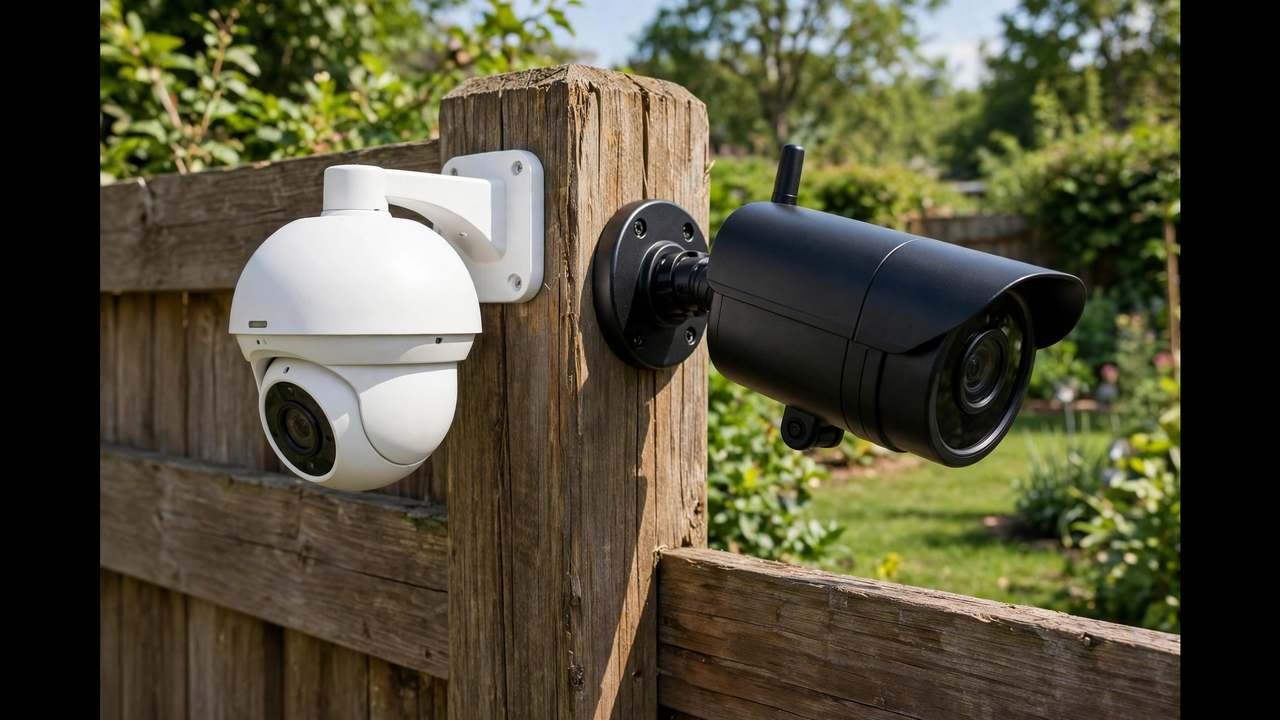
Eufy vs Arlo — which is better in Australia? After comparing real AUD prices, subscription costs and the day-to-day experience, the honest answer is that they represent two completely different deals. Eufy sells you hardware: pay once, store footage locally, never pay again. Arlo sells you a service: the cameras are the entry ticket, and the smarts live in the subscription. This guide breaks down the 3-year true cost, the features that matter, and which brand suits your household — with Australian prices checked in October 2026.
The core difference in one paragraph
With Eufy, the value sits in the box: the cameras, the HomeBase hub, the local AI processing, the storage. You own it all, and if Eufy never hears from you again, everything keeps working. With Arlo, the value sits in the cloud: person, package and vehicle detection, extended video history and the cleverest app features are rented monthly. The cameras are excellent either way — you’re really choosing between ownership and a service contract. Everything below flows from that single distinction.
Price: what you pay on day one
Eufy’s flagship EufyCam 3 (S330) 2-camera kit with HomeBase 3 is $1,099.99 on eufy.com/au; the 4-camera kit is $1,799.99, and add-on cameras are $429.95. The popular SoloCam S340 (3K, pan-and-tilt, solar) is $449.95 RRP, but routinely sells for $299 at DeviceDeal or around $378 at Woolworths.
Arlo’s current mid-range, the Pro 5 2K (sold as the Pro 5S overseas), launched in Australia at $329 per camera. The Ultra 2 4K sits above it. On hardware alone, the brands are closer than you’d think — a two-camera Eufy kit and two Arlo cameras land in a similar ballpark. The divergence starts the day after you install them.
The 3-year true cost (this is the real comparison)
Sticker prices lie in this category. Here’s what three years of ownership looks like for a typical two-camera setup, using Australian pricing checked in October 2026 and Arlo Secure subscription costs:
| Cost | Eufy (2-cam kit + HomeBase) | Arlo (2 cameras) |
|---|---|---|
| Hardware | ~$1,100 | ~$658 |
| Subscription (3 years) | $0 | Several hundred dollars |
| Storage | Included (local) | Cloud (via plan) |
| 3-year total | ~$1,100 | ~$1,000–$1,300+ |
Arlo can look cheaper on day one and cost more by year three. One Whirlpool user’s rule of thumb — roughly $900 in subscription fees over five years for a multi-camera Arlo setup, on top of the hardware — matches the maths. If you’re the kind of person who keeps hardware for five-plus years (most security camera buyers are), Eufy’s total cost of ownership wins decisively. If you upgrade tech every two years anyway, the gap narrows.
Video quality and night vision
Both brands produce genuinely good footage. Eufy’s EufyCam 3 records in 4K with a starlight sensor for colour night vision; the SoloCam S340 does 3K with an 8x hybrid zoom that stays sharp at distance. Arlo’s Pro 5 does 2K HDR with excellent dynamic range — better at handling the harsh contrast of an Australian summer afternoon, with deep shade and blown-out sky in the same frame.
In practice: Eufy wins on raw resolution per dollar; Arlo wins on image processing polish. Either will identify a face at the front door or a plate in the driveway. Don’t let resolution specs alone decide this — the storage and subscription model matters far more to your daily experience.
Storage: local vs cloud
Eufy records locally — to built-in storage, microSD cards, or the HomeBase 3 hub with expandable storage. Your footage never has to leave your house, there are no monthly fees, and the cameras keep their full feature set offline. The trade-off: if someone steals the camera or the HomeBase, the footage goes with it (though Eufy offers optional cloud backup).
Arlo records to the cloud. Footage is safe even if the camera is ripped off the wall, and you can review it from anywhere. The trade-off: no subscription means no recordings at all — the camera becomes a live-view device with notifications. You’re renting the core function of a security camera.
For Australians with NBN upload speeds that are often modest (especially on FTTN), Eufy’s local recording has a hidden advantage: it doesn’t depend on your upload bandwidth to save footage. Arlo’s cloud uploads do.
App experience and smart features
Arlo’s app is the best in the business — fast, reliable, and genuinely intelligent. Person, package, vehicle and animal detection work well, activity zones are easy to set, and the emergency response options go beyond what any competitor offers. If you love smart home tech, Arlo feels like the future.
Eufy’s app is good and getting better, with on-device AI detection (person, vehicle, pet) that doesn’t need the cloud. It’s not as polished as Arlo’s, and some users report occasional detection quirks. But here’s the thing: Eufy’s smart features are free forever. Arlo’s best smarts are rented. Decide whether you’d rather have slightly-better AI for a monthly fee or slightly-simpler AI for free.
Smart home integration
Both work with Amazon Alexa and Google Assistant in Australia — voice live-view on an Echo Show or Nest Hub, motion announcements, routines. The difference: Arlo also supports Apple HomeKit, while Eufy does not. If your household is all-in on Apple, that’s a genuine point for Arlo. Everyone else can call it a draw.
The Eufy privacy question, addressed honestly
You may have seen headlines a couple of years ago questioning Eufy’s claims about local-only storage and encryption. The company responded with security updates and clearer disclosures, and there’s no evidence of ongoing issues affecting Australian users today. But it’s fair to note: Eufy is owned by Anker, a Chinese company, and some buyers prefer Arlo’s US-based cloud infrastructure on principle. If data sovereignty matters to you, it’s a legitimate factor — just weigh it against the fact that Arlo’s model requires your footage to live on someone else’s servers permanently.
The cameras Australians actually buy: model by model
Brand debates are abstract; models are concrete. Here’s how the lineups Australians actually purchase compare.
Eufy EufyCam 3 (S330). The flagship: 4K, integrated solar panel on each camera, HomeBase 3 hub with expandable storage and local AI that learns faces. The 2-camera kit at $1,099.99 is the standard “cover the front and back” starter; the 4-camera kit at $1,799.99 covers a full perimeter. It’s the closest thing to a subscription-free Arlo Ultra alternative.
Eufy SoloCam S340. The sweet spot for most buyers: 3K dual-lens, pan-and-tilt, solar panel, no hub required, $299–$450 street. Buy two of these and you’ve covered a typical suburban block for under $700 with zero ongoing cost. This is the model I’d point most Australians at first.
Arlo Pro 5 (2K). Arlo’s volume seller in Australia at $329 per camera. 2K HDR, dual-band Wi-Fi, colour night vision with spotlight, and the full Arlo Secure app experience. The hardware is excellent; just remember each camera’s true price includes its share of the subscription.
Arlo Ultra 2 (4K). The flagship for those who want maximum resolution and are happy paying for it twice — once at purchase, monthly thereafter. Best suited to large properties where 4K’s zoom headroom matters, or tech enthusiasts who want the best of everything.
NBN realities: the hidden factor in this debate
Here’s something the US-centric comparisons never mention: Australia’s NBN upload speeds are often the bottleneck for cloud cameras. On FTTN or fixed wireless, you might get 5–10 Mbps up — and every Arlo camera uploading motion clips and live streams shares that pipe with your work video calls and the kids’ gaming.
Eufy’s local recording sidesteps this entirely. Footage is saved in your home; only alerts and thumbnails use the internet. In practice, Eufy cameras feel snappier on modest NBN connections because they’re not fighting your upload bandwidth. If you’re on FTTP with 40+ Mbps up, this advantage disappears — but most Australians aren’t, and it’s worth factoring in.
What about Ring and Google Nest?
Eufy vs Arlo isn’t the whole market. Ring is worth considering if you’re already in the Alexa ecosystem — its cameras are cheaper than Arlo’s and the integration is seamless, though the subscription requirement is just as strict.
Google Nest suits Google Home households and has the friendliest subscription terms of the cloud brands: free event history, with Nest Aware optional rather than mandatory. If the idea of a mandatory subscription bothers you but you still want cloud smarts, Nest is the middle ground Arlo doesn’t offer.
That said, neither Ring nor Google matches Eufy on total cost of ownership or Arlo on raw detection smarts. They’re alternatives for ecosystem loyalists, not category winners.
Which one should you buy?
Buy Eufy if: you hate subscriptions; you want 4K resolution without ongoing fees; your NBN upload is ordinary; you like owning your hardware outright; or you’re buying a floodlight camera (the E340 is our top pick in the best floodlight cameras guide).
Buy Arlo if: you want the smartest detection and the best app; you’re deep in the Apple ecosystem; you value cloud backup enough to pay for it indefinitely; or you upgrade cameras every couple of years (which shrinks the subscription maths against you).
Consider neither if: you want a full wired multi-camera system with an NVR — that’s Swann and PoE territory, covered in our best PoE security camera systems guide — or you want the cheapest credible wire-free cameras with Australian support, where Uniden wins (see Swann vs Uniden vs Arlo).
Quick decision checklist
Still torn? Run through this list honestly:
- Will a monthly fee annoy you every time you see it? → Eufy. Don’t fight your own psychology for five years.
- Is your NBN upload under 20 Mbps? → Eufy. Local recording won’t fight your connection.
- Are you all-in on Apple HomeKit? → Arlo. It’s the only one of the two that supports it.
- Do you want package detection and the smartest alerts available? → Arlo, and budget the subscription.
- Do you keep tech for 5+ years? → Eufy. The longer you own it, the bigger the saving.
- Is this for a rental? → Eufy SoloCam S340. No hub, no wiring, take it when you move.
Most Australians land on Eufy. The ones who land on Arlo know exactly why — and they’re happy. Either way, you’ve now done more research than 95% of buyers, which already puts you ahead.
Eufy vs Arlo FAQs
Is Eufy better than Arlo?
For buyers who hate subscriptions, yes — Eufy’s local storage and no-monthly-fee model wins clearly. For buyers who want the smartest detection and the most polished app and don’t mind paying monthly, Arlo is better. Neither is objectively superior; they suit different priorities.
Do Eufy cameras have a monthly fee in Australia?
No. Eufy cameras record locally to built-in storage, microSD or a HomeBase hub with no mandatory fee. Optional cloud backup exists but is not required for any core feature.
How much does Arlo cost per month in Australia?
Arlo Secure plans are paid monthly or yearly per account, with pricing varying by tier. Check Arlo’s AU site for current pricing. Over several years, subscription costs can exceed the original hardware price — factor this into your decision.
Can Eufy cameras work with Google Home and Alexa in Australia?
Yes. Eufy cameras work with both Amazon Alexa and Google Assistant in Australia, including voice live-view on smart displays. Arlo adds Apple HomeKit support on top of Alexa and Google, which Eufy lacks.
Our verdict: for most Australian households, Eufy is the better buy — the 3-year cost is lower, the features are all included, and local recording sidesteps NBN upload limits. Arlo is the better product for smart-home enthusiasts who’ll genuinely use its AI features and don’t mind the rent. Compare current kit pricing on eufy’s official AU store and Arlo’s AU site before you commit, and do the 3-year maths for your camera count — it’s the only number that matters. Whichever brand you lean towards, buy sooner rather than later: a camera watching your home today beats the perfect camera still sitting in its box.