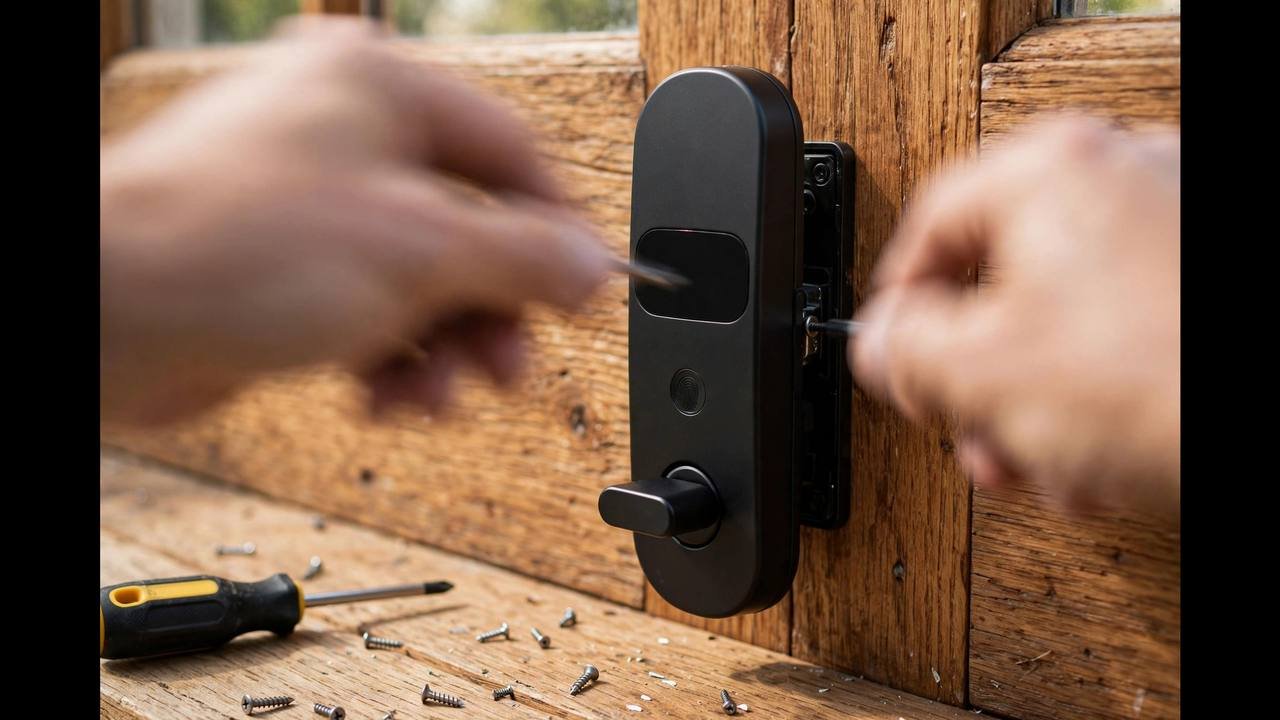
The smart lock installation cost in Australia ranges from free (your own Saturday morning) to around $250 for a locksmith — and the right choice depends entirely on the lock type, not your confidence with a screwdriver. A retrofit Nuki is a 15-minute job anyone can do. A Samsung push-pull mortise lock needs a pocket chiselled into your door edge, and that’s firmly professional territory.
This guide breaks down real 2026 Australian installation prices from Airtasker and Oneflare job data, walks through what’s actually involved in a DIY install, and tells you exactly when to call a pro.
Smart lock installation cost Australia: the quick numbers
| Option | Typical cost (2026) | Time |
|---|---|---|
| DIY — retrofit lock (Nuki, SwitchBot) | $0 (parts in the box) | 15-30 min |
| DIY — deadlatch/deadbolt swap (Yale Unity, eufy) | $0 (+ $20-$40 basic tools if needed) | 30-60 min |
| Locksmith — standard install | $150-$250 | 45-90 min |
| Locksmith — mortise pocket cutting | $200-$300+ | 1-2 hours |
| Handyman (Airtasker) — simple swap | $69-$175 | 30-60 min |
Those locksmith figures come from real 2026 job data: recent Airtasker smart lock installations range from $69 (a simple swap in Auburn NSW) to $175-$250 in Perth and Melbourne, while Oneflare’s median locksmith price sits at $165-$235 depending on the suburb. One specialist retailer puts the average smart lock installation at “around $200” — which lines up neatly with the market data.
DIY installation: what it costs and what’s involved
Which locks are genuinely DIY?
Two categories are designed for self-installation:
- Retrofit locks (Nuki, SwitchBot) clamp over your existing interior thumbturn. No screws into the door, no wiring. If you can follow an app wizard, you can fit one — 15 minutes is realistic.
- Deadlatch and deadbolt replacements (Yale Unity, Lockwood 001 Touch Plus, eufy deadbolt models, Orion Grid Connect) swap onto the existing footprint. You’ll remove the old lock’s screws, fit the new exterior and interior units, and connect them through the existing hole. A Phillips-head screwdriver is usually the only tool required.
What makes a lock not DIY is the mortise pocket. Samsung push-pull locks and the Yale ByYou range house the mechanism inside the door edge. If your door already has a mortise lock of matching dimensions, it’s still a manageable swap. If the pocket needs cutting or enlarging, stop — that’s chisel or router work where a millimetre out means a lock that binds, and a botched job means a new door.
The DIY walkthrough
For a deadlatch-style smart lock, the process is:
- Measure first. Door thickness (usually 35-45mm in Australia), backset (60 or 70mm), and the existing lock’s footprint. Compare against the smart lock’s specs before opening the box.
- Photograph the existing setup — inside, outside, and the strike plate. If anything goes wrong, you want a reference.
- Remove the old lock. Interior screws first, then slide the halves apart. Keep every screw and part in a labelled bag.
- Fit the new exterior unit, feed the spindle/cable through, attach the interior unit, and tighten screws gradually in a cross pattern — overtightening binds the mechanism, the most common DIY fault.
- Test mechanically before adding batteries. The bolt should throw smoothly with the door open and closed. If it drags with the door closed, the strike plate needs adjusting — loosen it, shift it a millimetre, retighten.
- Power up, pair the app, and enrol users. Add fingerprints and PINs now, while you’re calm and indoors — not at midnight with shopping bags.
- Set up the Wi-Fi bridge (if you bought one) within a few metres of the door on your 2.4GHz network. This is the step that causes most “my lock keeps dropping offline” complaints.
Total cash outlay: $0 if you own a screwdriver. The main cost is your time and the small risk of a scratched door finish — put masking tape around the work area first.
Locksmith installation: what you’re paying for
A locksmith’s $150-$250 isn’t just labour — it covers expertise, tools, and accountability. Here’s what the money buys:
- Correct fitting first time. Alignment is everything with smart locks; a bolt that drags drains batteries and eventually burns out the motor. Pros shim and adjust as standard.
- Mortise work. Cutting a clean pocket with sharp chisels or a router, sized to the lock body. This is the job that justifies the call-out on its own.
- Strike and frame reinforcement. Many will upgrade the strike plate and fit longer screws into the stud as part of the job — the single best security improvement per dollar.
- Setup and handover. A good installer pairs the app, enrols your fingerprints, sets up the bridge, and walks you through admin functions. Ask for this explicitly when booking.
- Warranty on workmanship. If the lock binds or the alignment shifts, they come back. Your DIY has no such safety net.
When booking, confirm three things: the total price (not just the call-out fee), whether they fit customer-supplied locks (most do, but ask), and their security licence number (more below). After-hours and weekend work attracts surcharges of 50-100% — a weekday booking is the cheapest locksmith you’ll ever hire.
What affects the price
Lock type is the biggest variable — a retrofit swap versus a mortise cut is the difference between a $69 handyman job and a $250 locksmith visit. Beyond that:
- Door material. Timber is straightforward. Metal-framed security doors and glass-panel doors need specialist bits and care — expect the top of the range.
- Existing damage. A door that’s been forced before, or a frame that’s shifted with the seasons (common in Australia’s climate swings), needs remedial work before the smart lock goes on.
- Extra doors. Doing the front and back door together is cheaper per lock — expect a discount of 20-30% on the second installation from the same tradie.
- Smart home integration. Basic install versus full setup with bridge, Wi-Fi, voice assistants and user enrolment. The South Perth Airtasker job at $250 covered lock plus Wi-Fi bridge setup and app configuration — reasonable for the scope.
- Location. Capital-city rates run higher; regional jobs add travel time. The Oneflare medians tell the story: $165 in Sydney’s Kogarah versus $235 in Perth’s High Wycombe.
Locksmith licensing: who can legally do the work
In most Australian states and territories, anyone doing locksmith work for reward must hold a security provider licence (the exact name varies — security licence, agent’s licence, or similar). This is consumer protection: licensed locksmiths have passed police checks.
Practical advice: ask for the licence number when booking and check it on your state regulator’s website — it takes two minutes. Be cautious of unusually low advertised prices that balloon once the tradie arrives; the classic scam is a $45 “call-out” that becomes $400 at your door. Get the total in writing (even a text message counts) before work starts, and never pay cash without a receipt.
A handyman from Airtasker can legally do a simple like-for-like swap in most states, but mortise cutting and security-door work belongs with a licensed locksmith. When in doubt, hire the locksmith — the price difference is small and the accountability is real.
How to save money without cutting corners
- Buy the lock at retail, hire labour separately. A Yale Unity at $469 from Bunnings plus a $150-$200 install usually beats a $750+ supply-and-install quote — and you keep the full manufacturer warranty.
- Choose a DIY-friendly lock type. The price gap between a deadlatch smart lock you fit yourself and a mortise lock needing a tradie can exceed $300 all-in. Our best smart lock guide flags which models are DIY.
- Book weekday mornings. Avoid after-hours surcharges entirely.
- Bundle doors. Two locks in one visit costs noticeably less per lock.
- Do the app setup yourself. If the locksmith charges extra for bridge configuration and user enrolment, it’s genuinely easy — the app wizards are designed for consumers.
- Don’t cheap out on the strike plate. A $20 reinforced strike and 75mm screws are the highest-value security spend in the whole project. Ask the installer to fit one while they’re there.
Renters: most of the above assumes you own the door. Retrofit locks like the Nuki install in minutes with no tradie at all — see our renter’s smart lock guide before spending money on installation you don’t need.
Do you need an electrician?
Short answer: no. Residential smart locks are battery-powered by design — that’s precisely so they keep working in a blackout. No mains wiring, no electrician, no compliance certificate.
The confusion comes from commercial access control: electric strikes and magnetic locks are mains-powered and do need a licensed electrician (and in most states, a security licence holder) to install. If a quote for a home smart lock mentions electrical work, something’s off — you’re being sold commercial gear for a residential door, or the tradie is padding the job. The only power-related extra you might legitimately pay for is a Wi-Fi bridge plugged into a nearby power point, which takes ten seconds and no licence.
Common installation mistakes (and what they cost to fix)
Most smart lock problems trace back to installation, not the lock. The classics:
- Overtightened screws. Cranking the interior mounting screws binds the spindle and makes the motor strain. The lock works for a month, then starts failing — and owners blame the brand. Fix: loosen to finger-tight plus a quarter turn. Cost to fix if you call someone: a $150 service visit for a 30-second job.
- Skipped the strike plate adjustment. If the bolt drags even slightly, battery life halves and the motor wears prematurely. The fix is a 2mm strike plate shift — five minutes with a screwdriver during install, or a callback later.
- Bridge too far from the door. Wi-Fi bridges on the other side of the house, or on 5GHz instead of 2.4GHz, cause the “lock keeps going offline” complaints that fill forums. Place the bridge within a few metres of the door, line-of-sight if possible.
- Wrong handing. Some locks need to know whether your door is left- or right-handed. Set it wrong and the lock throws the bolt the wrong way. The app setup asks — don’t skip it.
- Drilling a fire door. Enlarging a bore or cutting a mortise in a fire-rated door without a fire-rated lock breaches compliance and can affect insurance. Apartments and townhouses: check the door’s rating tag (usually on the hinge edge) before any cutting.
Every one of these is cheaper to prevent than to fix. If you’re DIYing, the strike plate check in step 5 of the walkthrough above is the single highest-value five minutes of the job.
Frequently asked questions
How much does it cost to install a smart lock in Australia?
DIY costs nothing for retrofit and deadlatch models (30-60 minutes of your time). A locksmith charges roughly $150-$250 for a standard install, based on 2026 Airtasker and Oneflare job data, rising toward $300 for mortise pocket cutting.
Can I install a smart lock myself?
Yes for retrofit locks and deadlatch/deadbolt replacements — they’re designed as screwdriver jobs. Mortise-style locks (Samsung push-pull, Yale ByYou) generally need a professional to cut or enlarge the pocket in the door edge.
How long does smart lock installation take?
DIY: 15-30 minutes for retrofit, 30-60 for a deadlatch swap including app setup. Professional: 45-90 minutes standard, 1-2 hours with mortise work.
Will installing a smart lock void my warranty or insurance?
Fitting a certified lock (AS4145.2) to a standard door won’t affect either. On fire-rated doors (common in apartments), the replacement lock must carry a matching fire rating — check with your strata before changing anything.
Should I buy the lock myself or get supply-and-install?
Buying at retail and hiring labour separately is usually cheaper and keeps your manufacturer warranty intact. Just confirm the locksmith fits customer-supplied hardware before booking.
Prices checked October 2026 from Airtasker and Oneflare job listings, Bunnings, and Australian specialist retailers. Rates vary by city and job complexity — always get a written quote.
Cost reference: VicLocks’ 2026 Melbourne locksmith pricing guide breaks down typical call-out, labour and after-hours rates in detail.
Still choosing the lock itself? Compare the Yale vs Samsung flagships or read the honest smart lock vs deadbolt breakdown first.