
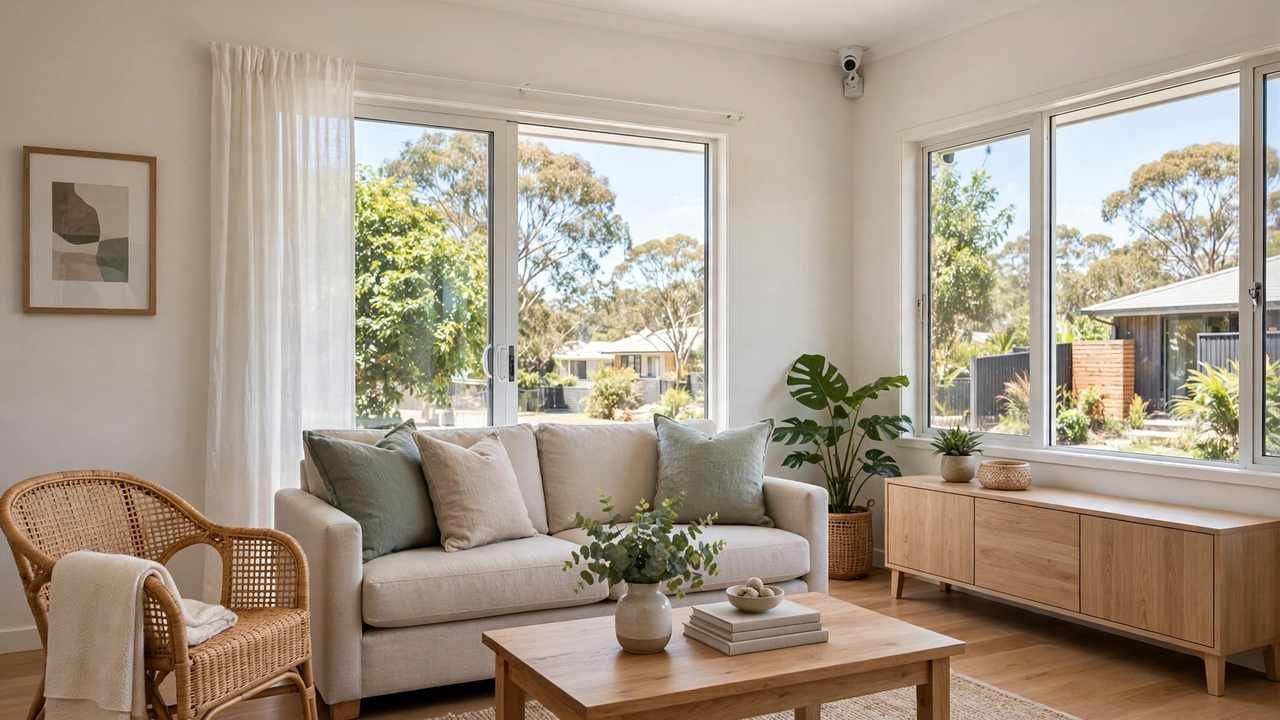
Where to place security cameras around your home matters more than which cameras you buy. A $120 camera covering your front door does more useful work than a $400 camera pointed at a fence — around a third of break-ins come through the front door and nearly a quarter through ground-floor windows. Yet most people mount their first camera wherever the power point is, not where intruders actually go.
This guide walks through your home zone by zone, in the order that matters: entry points first, then the paths between them, then everything else. It covers mounting height, angles, what to avoid, and a simple method for testing each position before you drill — written for Australian homes, verandahs and carports included, with the legal lines flagged where a camera’s view reaches past your fence.
The Short Answer: The 7 Positions That Cover Most Homes
If you only read one section, read this. For the average Australian home, four to six cameras in the right spots cover the overwhelming majority of break-in entry points:
- Front door — the single most important position. Roughly a third of burglars enter through the front door.
- Back door / sliding doors — the second most common entry, around a fifth of break-ins.
- Driveway / front approach — captures vehicles and everyone arriving on foot.
- Side gate or side passage — the unwatched path intruders love, especially on narrow inner-suburban blocks.
- Garage (exterior or interior) — cars, tools and a common secondary entry point into the house.
- Main hallway / staircase — the indoor pinch point everyone passes through.
- Backyard / rear perimeter — covers the rear fence line and any sheds or outbuildings.
Start small and get these right. Four cameras in the right places genuinely beat eight in the wrong ones, and you can always add coverage later — which is why buying a recorder with spare channels is smart.
Mounting Height and Angle: The Basics That Make or Break Footage
Mount outdoor cameras roughly 2.4 to 3 metres (8–10 feet) above the ground, tilted slightly downward. This is the sweet spot: high enough that someone can’t reach up and twist the camera away, low enough that faces are still recognisable rather than just the tops of heads.
A few placement principles that apply everywhere:
- Corner positions cover two walls at once. A camera tucked into the corner where your verandah meets the wall sees the door and the approach path simultaneously.
- Overlap your coverage. If one camera’s view gets blocked — a parked car, a grown hedge, a spider web — a second camera should still see the area.
- Angle across the approach, not straight down it. A camera looking directly along a path captures the back of someone’s head. One angled across the path captures their face as they walk past.
- Keep cameras out of direct harsh sunlight where possible, and out of the path of sprinkler spray. Both degrade the image and the hardware over time.
- Stay under the eaves. Mounting under eaves or verandah roofs protects cameras from the worst of Australian weather and gives a natural downward angle. It’s the default position for a reason.
For indoor cameras, shelf or wall height — around 2 metres, angled slightly down — works well in hallways. The goal indoors isn’t perimeter defence; it’s capturing movement between rooms.
Front of House: Door, Verandah, Driveway and Carport
Front door
This is camera position number one. Mount it under the porch or eave beside the door, angled so it captures faces of anyone at the door — not just the doorstep. If your front door sits off to one side of the garage, one wide camera over the garage often can’t clearly show the door — a dedicated door camera or video doorbell earns its place. Doorbells sit at face height, and visitors look straight at them.
Driveway and front approach
A driveway camera catches vehicles arriving and leaving — number plates and direction of travel are exactly what police find most useful. Mount it high on the garage or house front, angled down the driveway’s full length. On long rural driveways, one camera at the gate plus one at the house is the honest answer.
Carport
Open carports are a blind spot in many guides, yet they’re common across Australia and shelter both cars and a route to side doors. A camera under the carport roof covering the cars and the path to the house closes this gap — and carports usually have power handy, making them easy to wire.
Sides of the House: Gates, Passages and Windows
The sides of Australian homes are chronically under-covered. Narrow side setbacks create passages invisible from the street and from inside the house — exactly the approach an intruder prefers. A camera at each side gate is some of the highest-value coverage you can add.
Ground-floor windows are the entry point in roughly a quarter of break-ins — but you don’t need a camera on every window. Position cameras so their field of view includes the approaches to the most accessible ones: those hidden from the street by fences or vegetation.
This is also where the legal line matters most. Side cameras on narrow blocks almost inevitably catch some of the neighbour’s property. That’s generally fine if it’s incidental to covering your own boundary — but deliberately aiming a camera at a neighbour’s backyard or windows is a different story. Read our guide to security camera laws in Australia before finalising side positions; a small adjustment to the angle or a privacy mask in the camera settings usually resolves it.
Back of House: Back Door, Patio and Rear Perimeter
Back door and sliding doors
The rear is the second most common entry point and more secluded — intruders can work on a back door unseen from the street. Mount a camera under the rear eave or patio roof covering the doors and patio. For sliding glass doors, angle the camera to see someone standing at the door, not the glass itself — glass reflects IR night vision and white-outs the image if the camera is too close and head-on.
Backyard and rear fence
A rear-facing camera does double duty: it watches the fence line and keeps an eye on sheds and outbuildings. If you have a pool, including it in the frame is worth considering for keeping an eye on kids — but if the camera catches neighbouring yards, use privacy masking to black out those areas.
Sheds, granny flats and detached garages
Detached structures are the forgotten zone — thousands of dollars in tools, physically separated from the house. Cabling a shed is expensive (trenching or long runs), so many use a wireless camera here as a supplement. If your granny flat is rented out, cameras should cover the approach and exterior only, never living spaces.
Inside the Home: Hallway, Stairs and Living Areas
Indoor cameras are a judgment call, but one or two well-placed ones add real value:
- Main hallway: the corridor everyone walks down. One camera at the end of the hall, slightly elevated and angled down its length, captures movement between bedrooms and living areas.
- Staircase: in two-storey homes, the stairs are the unavoidable pinch point between floors. A camera on the landing covers both directions.
- Main living area: covers rooms with the most valuable electronics — but it’s the most privacy-sensitive indoor position, so aim at the room’s entry points rather than seating areas.
Indoor cameras also double as practical tools — checking on pets, or confirming a tradesperson arrived. But a camera that’s always on changes how a home feels, and that cost is real even if it doesn’t show on a receipt.
Where NOT to Place Security Cameras
Most placement guides skip this — partly comfort, partly law:
- Bathrooms, toilets and bedrooms. Never. Beyond the obvious privacy violation, recording in these spaces can cross legal lines in every Australian state.
- Aimed directly at a neighbour’s windows, backyard or pool. Deliberately recording a neighbour’s private spaces without consent can breach state surveillance device laws. Incidental capture of a boundary is one thing; a camera whose primary view is next door is another.
- Pointed at the street as the main subject. A camera that mainly records the public footpath or road rather than your property is legally murkier and practically useless — passing cars and pedestrians generate endless motion alerts while telling you nothing about your home.
- Behind glass looking out. Indoor cameras pointed through windows seem clever but perform badly: at night the IR reflects off the glass and blinds the camera. Mount outside instead.
- Too high to identify anyone. A camera at 5+ metres gives a lovely overview and zero usable faces. If you can’t recognise someone in a test recording, the camera is decoration.
- In reach of the front gate. A camera at head height by the gate will be the first thing tampered with. Height is protection.
The Test-Before-You-Drill Method
Before you mount anything permanently:
- Temporarily position the camera — tape it, clamp it, or have someone hold it at the planned height and angle.
- Open the live feed on your phone and walk the approach paths yourself: up the driveway, to the front door, along the side passage, to the back door.
- Check faces, not just coverage. Can you recognise yourself at each key point? If the answer is “sort of” in daylight, it’ll be “no” at night.
- Test at night. Walk the same paths after dark. Check that IR night vision reaches far enough, that no light source is blinding the camera, and that motion alerts trigger reliably.
- Check the edges of frame for neighbour capture. If a neighbour’s window or entertaining area is in frame, adjust the angle or set a privacy mask now — not after a complaint.
- Only then drill. Mark the position, mount, and re-test once fixed — mounts shift slightly when tightened.
This twenty-minute exercise prevents the two most common regrets: a camera that covers the wrong area, and a camera whose footage is unusable when it matters. Installers who know their trade do a version of this as standard; if yours doesn’t, ask them to.
How Many Cameras Do You Actually Need?
For the average suburban home: four to six. That covers the front door, back door, driveway, and one or two side/rear positions, with an indoor camera optional. Larger properties, corner blocks (two street frontages), and homes with detached structures push toward eight.
Resist the biggest kit on day one. Start with the entry points, live with it for a month, check blind spots in the app, then add cameras where the gaps actually are. Each camera should solve a real gap, not a hypothetical one.
Placement and cost go hand in hand — once you know how many cameras you need and where they’ll go, our home security camera cost breakdown will tell you what that setup should cost in 2026. And if you’re deciding how to keep all that footage, the local vs cloud storage comparison covers your options.
Frequently Asked Questions
Where is the best place to put security cameras outside my house?
The front door is the most important position, followed by the back door, driveway, and side gates. Mount cameras 2.4–3 metres high under eaves where possible, angled across approach paths so faces are captured rather than the backs of heads.
How high should security cameras be mounted?
Mount outdoor security cameras 2.4 to 3 metres (8–10 feet) above the ground with a slight downward tilt. This keeps them out of reach while staying low enough to capture recognisable faces. Higher mounting gives wider coverage but unusable facial detail.
How many security cameras do I need for my home?
Most Australian homes need four to six cameras: front door, back door, driveway, side gate or passage, plus optionally a rear perimeter and one indoor camera. Larger properties, corner blocks and homes with detached sheds may need up to eight.
Where should you not put security cameras?
Never place cameras in bathrooms or bedrooms. Avoid aiming cameras directly at neighbours’ windows, backyards or pools, as this can breach state surveillance device laws. Don’t mount cameras behind glass (IR reflects at night) or so high that faces become unidentifiable.
Should security cameras point at the street?
Cameras should primarily cover your own property. A camera whose main view is the public street or footpath generates constant false alerts and sits in a legally grey area. It’s fine — and useful — if the street appears at the edge of frame while the camera covers your driveway or front approach.
Sources
- Abode — Security Camera Placement Guide 2026 (burglary entry-point data): goabode.com
- Family Handyman — How to strategically place security cameras: familyhandyman.com
- GM Group Services — Home security camera installation guide (AU): gmgroupservices.com.au